-
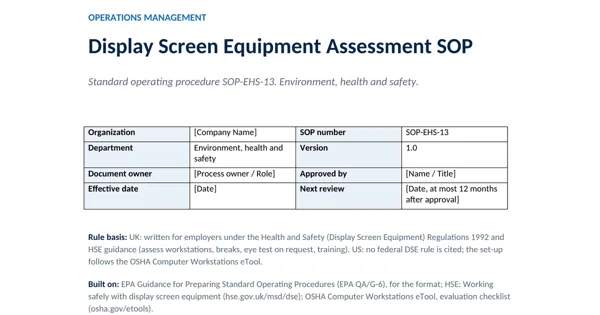 Word document preview
Environment, Health and Safety SOPs
Display Screen Equipment Assessment SOP
3 downloads per free account, no card needed.
Who this is for
An HR or office manager with new starters, home workers or a discomfort complaint, asked how workstations are assessed.
What is inside
- 14 numbered steps in 3 stages: identify and assess, breaks and eyes, train and review
- DSE user defined as in HSE guidance: daily use for continuous periods of an hour or more
- Routed review: a visit only where the self-assessment shows a problem
- Set-up table: 5 items including screen top at or just below eye level
- Eye test on request and discomfort reports revisited within 5 working days
- 3 forms and 2 records named, with owners
How to use it: Enter the break pattern, the optician and any glasses contribution, then name the trained assessors.
Files & formats
- DOCXdisplay-screen-equipment-assessment-sop.docx41 KB
Opens in Microsoft Word or Excel, Google Docs or Sheets and LibreOffice. Delivered instantly from your browser.
Free downloads & full access
Every account gets 3 free downloads. Re-downloading a file you already have does not count. This one on its own is $12.99, and buying it keeps your free downloads for something else. Full access is a one-time $249 for all 300 SOPs and the SOP writing kit, for life.
Bought with a different email? Open your account and enter your order number.
Licence
Use and adapt the document inside your own organisation or for your own clients. Do not resell or republish the SOPs themselves. The SOP does not give certification or legal compliance on its own. These SOPs are original working documents built on the public law and guidance named here. They are not legal, safety or compliance advice, are not endorsed by its publisher and do not give compliance on their own. Rules change: check the current official text.