-
 Word document preview
IT and Helpdesk SOPs
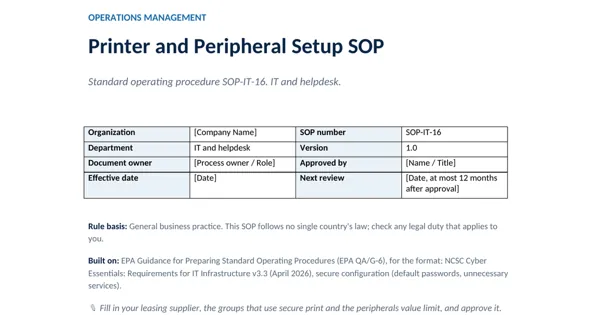
Printer and Peripheral Setup SOP
3 downloads per free account, no card needed.
Who this is for
An office manager getting a new leased copier, or an IT lead whose security review flagged printers with default passwords.
What is inside
- 15 numbered steps in 4 stages, each with one owner, a record and a timing
- Printer security settings table: password, firmware, services, admin access, secure print, storage, scans
- Default administrator password changed and kept in the password manager
- Scan destinations limited to company email and team folders
- Approved peripherals list and USB storage blocked by default
- Storage wiped with a certificate before a device leaves
How to use it: Fill in your leasing supplier, the groups that use secure print and the peripherals value limit, and approve it.
Files & formats
- DOCXprinter-and-peripheral-setup-sop.docx42 KB
Opens in Microsoft Word or Excel, Google Docs or Sheets and LibreOffice. Delivered instantly from your browser.
Free downloads & full access
Every account gets 3 free downloads. Re-downloading a file you already have does not count. This one on its own is $12.99, and buying it keeps your free downloads for something else. Full access is a one-time $249 for all 300 SOPs and the SOP writing kit, for life.
Bought with a different email? Open your account and enter your order number.
Licence
Use and adapt the document inside your own organisation or for your own clients. Do not resell or republish the SOPs themselves. The SOP does not give certification or legal compliance on its own.